Log Into Your Dashboard
Accessing the Login Page
- Open your web browser
- Go to your website's address and add
/wp-adminat the end- For example: if your website is
https://example.com, typehttps://example.com/wp-admin - This takes you to the WordPress login page
- For example: if your website is
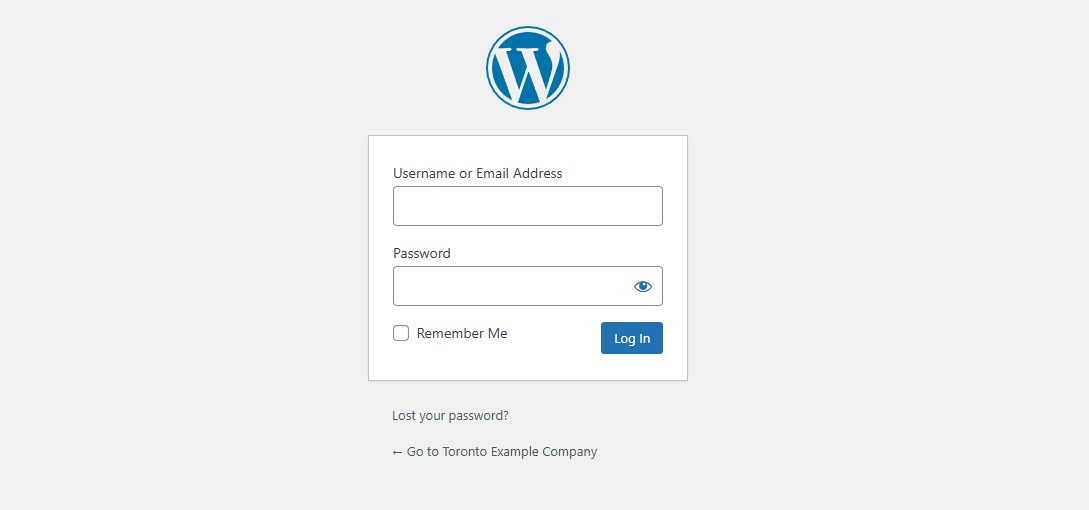
Logging In
- Enter your username
- Enter your password
- If Alstra Solutions built your website, we have provided these credentials to you
- Contact us if you need these details again
Need Help?
If you have trouble logging in or need assistance, contact Alstra Solutions support team.